Cut Path Template Library | FireSprint

FireSprint Cut Path Templates

Download ready-to-use cut paths. Start with the tutorials, then grab the template that fits your product.

Video Tutorials

How-to videos and tutorials for using our cut paths.

Reverse Arrows: Front/Back Setup

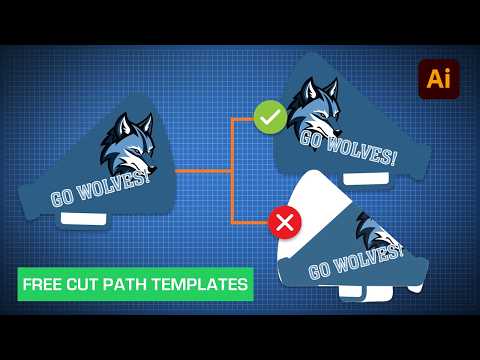
How to Create a Vector Cut Path in Adobe Illustrator

Our Preflight Specialist walks through the process of creating a vector cut path.

Reverse Arrows: Front/Back Setup

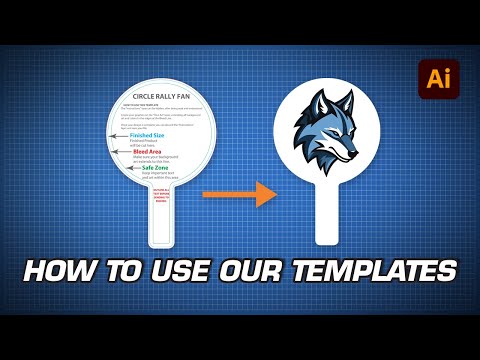
FireSprint Print Templates: How to Use in Adobe Illustrator

Learn how to use our with our Preflight Specialist.

Reverse Arrows: Front/Back Setup

How to Set Up Asymmetrical Two-Sided Art

Our Preflight Specialist shows how to set up a double-sided corrugated plastic sign using one of our cut path templates.

How to Create a Cut Path from a Raster Image

How to Create a Cut Path from a Raster Image

Our Preflight Specialist at FireSprint, walks through how to create a custom cut path from a raster image using Photoshop and Illustrator.

Signs

Common sizes for yard signs, PVC, polystyrene, and more.

.5 Inch Radius Corners preview

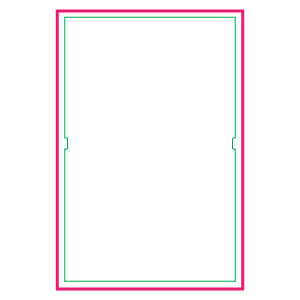
Signicade Safe Zone

.5 Inch Radius Corners preview

Cheer Sign Rectangle

.5 Inch Radius Corners preview

Cheer Sign Square

.5 Inch Radius Corners preview

Cheer Sign Circle

Sticker

Common shapes and sizes for stickers

.5 Inch Radius Corners preview

Rectangle

.5 Inch Radius Corners preview

.5" Rounded Corners

Promo

Common sizes for promotional products.
Rigid Sign preview

License Plate

Paddles & Fans

Common sizes and shapes for hand-held paddles and fans.